


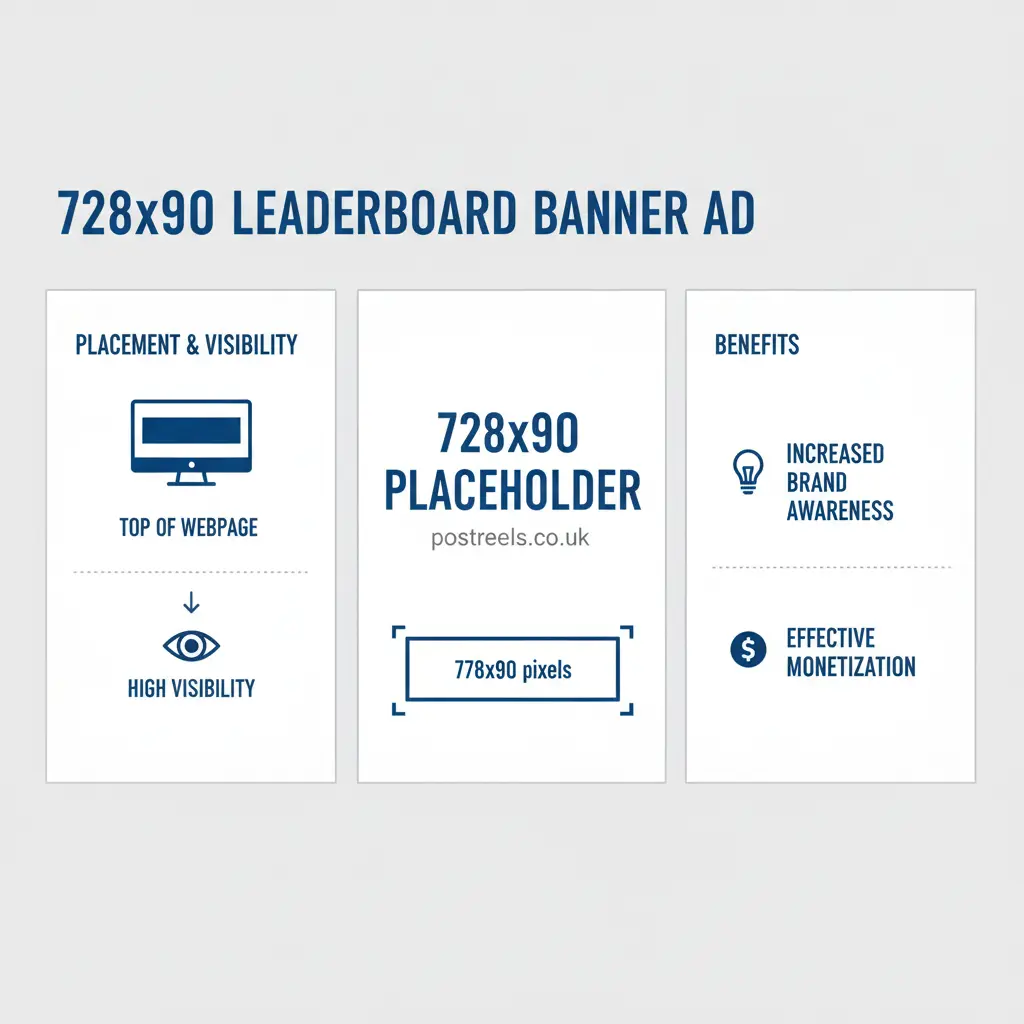
The 728×90 placeholder is a widely recognized element in the world of online advertising and website monetization. It represents a reserved space on a webpage designed to hold a leaderboard-style banner advertisement that measures 728 pixels wide by 90 pixels tall. This placeholder is often used by web developers and publishers during website design or when an ad has not yet loaded from an advertising network.
By keeping this space visible, websites maintain consistent layouts and prevent sudden shifts in page content when ads appear. The 728×90 format is especially popular on desktop websites because it fits perfectly across the top of pages, delivering strong visibility and engagement opportunities. Many publishers rely on this placeholder to manage ad inventory efficiently while integrating platforms like ad servers or monetization tools.
Understanding how a 728×90 placeholder works can help website owners improve ad placement, optimize user experience, and maintain structured layouts while implementing display advertising, leaderboard banner, ad placement, website monetization, and banner ad size strategies effectively.
Key Takeaways
- A 728×90 placeholder is a temporary stand-in used during web development to reserve space for a leaderboard banner ad.
- This ad size is an Interactive Advertising Bureau (IAB) standard, known for its high visibility when placed above the fold.
- Using placeholders prevents Cumulative Layout Shift (CLS), a Core Web Vitals metric that affects SEO.
- Proper implementation involves simple HTML and CSS, but optimization requires strategic placement and creative design.
- Monetization with networks like Google AdSense relies on high click-through rates (CTR) and viewability, which the 728×90 format excels at.
What Exactly Is a 728×90 Placeholder?
A 728×90 placeholder is a designated block, 728 pixels wide by 90 pixels tall, used in a website’s design to hold the spot for a future advertisement. Think of it as a reservation for an ad. During the development and testing phases of a website, developers use these placeholders to ensure the layout remains stable and predictable. Without one, the page content would suddenly jump or shift when the actual ad finally loads, creating a jarring experience for the visitor.
This ad size is officially known as the “leaderboard banner.” It’s a standard format defined by the Interactive Advertising Bureau (IAB), the organization that sets global standards for the digital advertising industry. Its prominent, wide shape makes it a favorite for advertisers aiming for maximum brand exposure. When you see a banner ad at the very top of a news site or blog, it’s almost always a 728×90 leaderboard ad. The placeholder simply ensures that the space is ready and waiting for the ad network, like Google AdSense, to serve the final ad creative.
Why Do Web Developers and Marketers Use the Leaderboard Ad?
The 728×90 ad size has remained popular for decades for several key reasons. Its primary advantage is its placement. Located “above the fold”—the part of the webpage visible without scrolling—it’s often the first thing a user sees. This prime real estate guarantees high viewability, a metric advertisers use to measure whether an ad was actually seen. High viewability directly translates to better brand recall and higher click-through rates (CTR).
For web developers, the 728×90 placeholder solves a major technical challenge related to Core Web Vitals. Google uses these metrics to measure user experience, and one of the most important is Cumulative Layout Shift (CLS). CLS measures how much a page’s content unexpectedly moves around. By using a placeholder, the browser knows to save a 728×90 pixel space from the moment the page starts rendering. This prevents the content from shifting down when the ad loads, keeping your CLS score low and your SEO performance high. It’s a win-win: marketers get a high-performing ad unit, and developers maintain a stable, user-friendly website.
Where Are 728×90 Ads Typically Placed on Websites?
Placement is everything in display advertising. The effectiveness of a 728×90 leaderboard ad depends heavily on where it appears on the page. While it can technically go anywhere, some locations deliver far better results than others.
Here are the most common and effective placements for a 728×90 ad unit:
- Above the Main Header: This is the premium spot. Placing the ad at the very top of the page, even above the site’s logo and navigation menu, ensures it is the first visual element a visitor encounters. This placement commands the highest ad rates due to its unparalleled visibility.
- Below the Navigation Menu: A more common and slightly less intrusive placement is directly under the main navigation bar. It’s still prominently above the fold and captures attention just before the user dives into the main content. News websites and blogs frequently use this spot to balance ad revenue with user experience.
- Between Content Sections: On long-form articles or pages, a 728×90 banner can be placed between major sections. While not as effective as above-the-fold placements, it can capture the attention of highly engaged readers as they scroll.
- Above the Footer: This is the least visible placement and generally not recommended for a primary leaderboard ad. Users who scroll all the way to the bottom are typically looking for contact information or links, not ads. However, it can be a low-cost option for retargeting campaigns.
How Do You Create a 728×90 Placeholder in HTML?
Creating a 728×90 placeholder is surprisingly simple and only requires a few lines of HTML and CSS. This basic setup reserves the space and prevents layout shifts, giving you a foundation to later integrate with an ad network.
Here is a step-by-step developer tutorial.
1. The Basic HTML Structure
First, you need a <div> element in your HTML file where you want the ad to appear. This div will act as the banner ad container. It’s best to give it a specific ID or class so you can style it with CSS.
<!-- This is where your leaderboard ad will go -->
<div id="leaderboard-ad-placeholder">
  <!-- Ad network code will be placed here later -->
</div>
2. The Essential CSS Styling
Next, you need to add CSS to define the size of the placeholder. This is the most important step for preventing layout shift. You define the exact width and height of the container. Adding a background color helps you visualize the placeholder during development.
#leaderboard-ad-placeholder {
  width: 728px;
  height: 90px;
  background-color: #f0f0f0; /* A light gray background */
  margin: 0 auto; /* Centers the ad container */
  text-align: center;
  line-height: 90px; /* Vertically centers text if you add any */
}
By setting a fixed height and width, you tell the browser to reserve this block of space before any ad content is loaded. This simple action is key to optimizing for Google’s Core Web Vitals.
3. Making it Responsive
While the 728×90 ad size is primarily for desktop, you need to ensure it doesn’t break your site’s layout on mobile devices. You can use a CSS media query to hide the desktop ad on smaller screens and show a mobile-friendly ad unit, like a 320×50 banner, instead.
@media (max-width: 768px) {
  #leaderboard-ad-placeholder {
    display: none; /* Hide the 728x90 ad on smaller screens */
  }
}
How Can You Optimize and Monetize 728×90 Ad Placements?
Once you have your placeholder set up, the next step is to turn that space into revenue. This involves more than just pasting in Google AdSense code. Strategic optimization can significantly increase your earnings.
Strategies for Higher AdSense Revenue
- A/B Test Placements: Don’t just assume the top of the page is best. Test placing the ad below the navigation versus above the header. Sometimes, a slightly lower placement results in more qualified clicks. Use a tool like Google Optimize to run these tests.
- Implement Lazy Loading Correctly: For any ad units that are below the fold, use lazy loading. This technique defers the loading of the ad until a user is about to scroll it into view. This improves initial page load speed, which is a major ranking factor.
- Refresh Ads Intelligently: For websites where users spend a lot of time on one page (like a game or a tool), you can refresh the ad every 30-60 seconds. This increases impressions without the user needing to navigate to a new page. However, check your ad network’s policies, as some restrict this practice.
- Integrate with Programmatic Advertising: For larger publishers, moving beyond AdSense to programmatic ad exchanges via Google Ad Manager can open up more revenue. Header bidding, for example, allows multiple ad networks to bid for your ad space simultaneously, driving up the price.
What Are the Best Practices for 728×90 Ads?
A successful ad gets noticed without annoying the user. For the 728×90 leaderboard ad, this means focusing on clean design and clear messaging.
Key Design Principles:
- Strong Call-to-Action (CTA): The button should be obvious and use action-oriented text like “Learn More,” “Get Started,” or “Shop Now.”
- Clear Value Proposition: The ad should communicate its main benefit in just a few words. There isn’t room for long sentences.
- High-Quality Visuals: Use crisp graphics and a simple color palette that aligns with the brand but stands out from the page.
- Keep File Sizes Small: Ad networks have strict file size limits, typically around 150KB. Optimize images and code to ensure your ad loads quickly.
- Limit Animations: If you use an HTML5 banner ad, keep animations subtle and under 15 seconds. The goal is to catch the eye, not distract from the content.
How Does the 728×90 Ad Compare to Other Standard Banner Sizes?
The 728×90 ad unit is a workhorse, but it’s just one of many standard sizes. Understanding how it compares to others helps you build a comprehensive ad strategy for your entire website. For example, a common and effective strategy is to pair a 728×90 leaderboard at the top with a 300×250 ad within the content.
| Ad Size | Common Name | Best Use Case |
|---|---|---|
| 728×90 | Leaderboard | Desktop header ads, high visibility |
| 300×250 | Medium Rectangle | In-content, sidebar, high performance on all devices |
| 160×600 | Wide Skyscraper | Sidebars, good for branding and list-style ads |
| 320×50 | Mobile Leaderboard | Mobile header or footer (anchor) ads |
| 970×250 | Billboard | Premium homepage takeovers, high-impact branding |
What Are Some Common Problems with 728×90 Ads and How Can You Fix Them?
Even with proper setup, issues can arise. One common problem is the ad not appearing at all. This often happens due to ad-blocking software or errors in the ad network’s code. To diagnose this, use your browser’s developer tools to check the console for errors and inspect the network tab to see if the ad script is being blocked.
Another frequent issue is when an ad causes the page to slow down. This is usually due to a large creative file size or too many tracking scripts. Run your site through Google’s PageSpeed Insights to identify what’s slowing it down. If the ad is the culprit, you may need to work with the advertiser or ad network to provide a more optimized creative. Always prioritize a fast user experience, as it directly impacts your search rankings and user retention.
Final Thoughts
The 728×90 placeholder is more than just an empty box on a webpage. It’s a critical tool for maintaining a stable, professional, and user-friendly website while unlocking one of the most valuable ad placements available. By reserving space for the leaderboard ad, you prevent jarring layout shifts, improve your site’s SEO performance, and lay the groundwork for a successful monetization strategy.
Whether you’re a developer ensuring a smooth user experience or a publisher maximizing ad revenue, mastering the implementation and optimization of the 728×90 ad size is a fundamental skill. By following the best practices outlined in this guide, you can effectively integrate this powerful ad format to achieve your website’s goals.
FAQ: 728×90 Placeholder
What is a 728×90 placeholder on a website?
A 728×90 placeholder is a reserved space on a webpage designed to display a leaderboard banner ad measuring 728 pixels wide by 90 pixels tall.
Why do websites use a 728×90 placeholder?
Websites use it to keep the page layout stable while waiting for ads to load or during development before connecting to an ad network.
Where is a 728×90 placeholder usually placed?
It is most commonly placed at the top of a webpage, often above or below the header, to maximize visibility for banner advertisements.
Can a 728×90 placeholder affect website performance?
Yes, using placeholders helps prevent layout shifts and improves user experience by keeping the page structure consistent while ads load.
Is the 728×90 placeholder compatible with mobile devices?
Not usually, because the 728×90 size is designed mainly for desktop screens; responsive or smaller ad sizes are typically used for mobile layouts.