


Building the perfect indoor golf setup is an exciting journey. You’ve picked out your launch monitor and impact screen, and you’re ready to start playing courses from around the world. But there’s a critical piece that powers the entire experience: the golf shot computer hardware. The right PC is the engine that runs your simulator software, delivering smooth, realistic graphics and instant feedback. Without the proper components, you could face lagging gameplay, blurry visuals, and a frustrating experience.
This guide will walk you through everything you need to know about selecting the best golf shot computer hardware. We will cover the essential components, from the graphics card to the processor, and explain what to look for. Whether you’re building a new PC from scratch or upgrading an existing one, you’ll find the information needed to make an informed decision. Let’s ensure your virtual golf rounds are as immersive and enjoyable as a day on a real course.
Key Takeaways
- The Graphics Processing Unit (GPU) is the most important component for a golf simulator, as it renders the visual environment.
- A capable Central Processing Unit (CPU) is necessary to handle the physics calculations and run the simulation software smoothly.
- At least 16 GB of RAM is recommended for most golf simulation software, with 32 GB being ideal for future-proofing.
- Ensure your computer has the right ports (like HDMI or DisplayPort) to connect to your projector or display.
- Cooling is crucial to prevent your hardware from overheating during long sessions, ensuring stable performance.
What is the Most Important Piece of Golf Shot Computer Hardware?
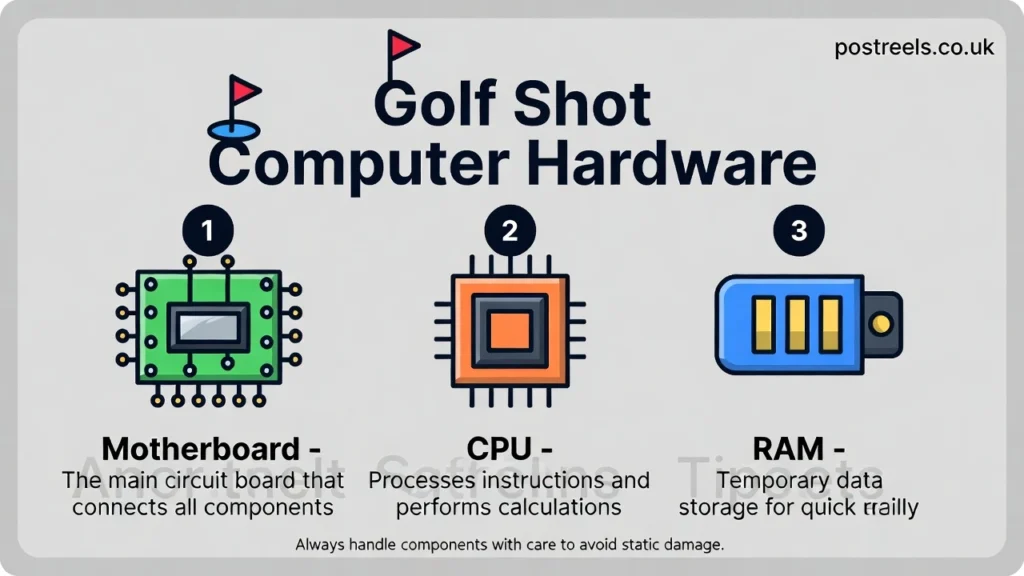
When building a PC for a golf simulator, the most critical component is the Graphics Processing Unit (GPU), often called the graphics card. The GPU is responsible for rendering all the visual elements you see on the screen. This includes the lush fairways, detailed trees, water hazards, and the very flight of your golf ball. A powerful GPU ensures these images are displayed in high resolution with a smooth frame rate, creating a truly immersive experience. Without a capable graphics card, you might experience stuttering visuals or have to lower the quality settings, which detracts from the realism.
For example, popular software like GSPro or E6 Connect has specific GPU recommendations. Running these programs in 4K resolution requires a significantly more powerful card than running them in 1080p. Think of it like this: a basic GPU might be fine for browsing the web, but it would struggle to run a high-end video game. A golf simulator is essentially a very specialized video game. Investing in a quality GPU from brands like NVIDIA or AMD is the best first step toward creating a high-performance system for your golf shot computer hardware needs.
How Does the CPU Affect Golf Simulator Performance?
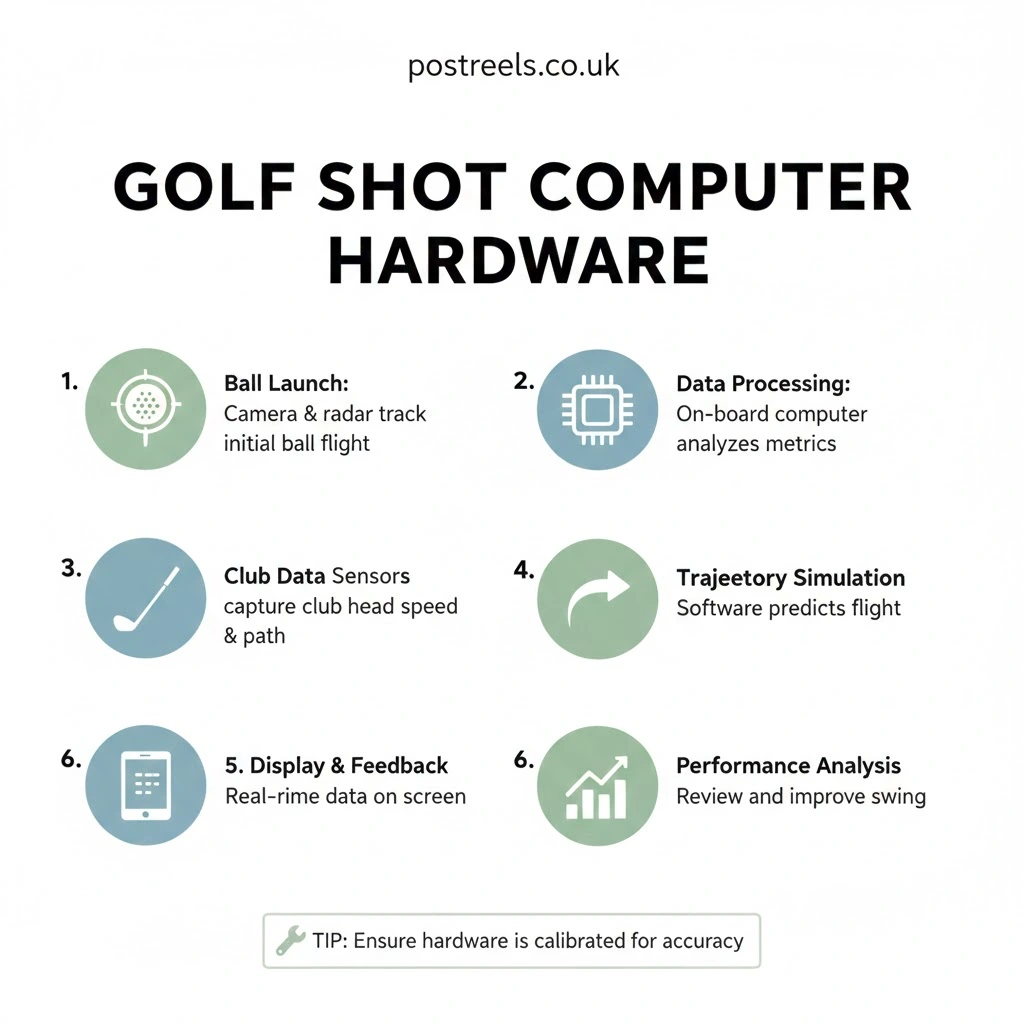
While the GPU handles the visuals, the Central Processing Unit (CPU) is the brain of your golf shot computer hardware setup. It processes all the data from your launch monitor, calculates the physics of the ball flight, and runs the simulation software itself. A faster CPU means your shot data is processed more quickly, leading to less delay between your swing and seeing the result on the screen. This instant feedback is crucial for a realistic and useful practice session. A slow CPU can create a noticeable lag, making the experience feel disconnected and unnatural.
For instance, when you hit a shot, your launch monitor sends data like ball speed, launch angle, and spin rate to the computer. The CPU takes this raw data and, using the software’s physics engine, calculates the entire trajectory of the shot. It determines how far the ball will travel, how much it will curve, and how it will roll on the green. For modern simulator software that models these physics with high accuracy, a capable processor, such as an Intel Core i5/i7 or an AMD Ryzen 5/7, is essential for keeping everything running smoothly without bottlenecks.
How Much RAM Do I Need for a Golf Simulator?
Random Access Memory (RAM) is your computer’s short-term memory. It holds the data that your CPU needs to access quickly. For golf simulation software, this includes the course data, textures, and other assets needed to display the current hole you’re playing. Having enough RAM is vital to prevent performance issues like stuttering or long loading times. If your computer doesn’t have enough RAM, it has to pull data from your slower storage drive, which can cause significant delays during gameplay. This is especially noticeable when the software is loading a new course or switching between holes.
Most golf simulator software developers recommend a minimum of 8 GB of RAM. However, for a smooth and future-proof experience, 16 GB is a much better target. If you plan to run other applications in the background, like a web browser or music player, or want to play in 4K resolution, upgrading to 32 GB is a wise investment. Imagine trying to prepare a large meal in a tiny kitchen; you’d be constantly shuffling ingredients around. More RAM gives your computer a larger “kitchen” to work with, allowing it to handle all the necessary data with ease.
Does the Type of Storage Drive Matter?
Yes, the type of storage drive you use for your golf shot computer hardware can have a noticeable impact on your experience. There are two main types of drives: Hard Disk Drives (HDDs) and Solid-State Drives (SSDs). HDDs are traditional drives with spinning platters, while SSDs use flash memory, similar to a USB drive. For a golf simulator, an SSD is highly recommended. The primary benefit of an SSD is its speed. It allows your computer to boot up faster, load golf courses more quickly, and reduce in-game loading times.
Think about the time it takes to get a round started. With an HDD, loading a detailed course like Pebble Beach in your simulator software could take a minute or more. With an SSD, that same course might load in just 15-20 seconds. This difference might seem small, but it adds up and makes the entire experience feel more responsive and modern. A golfer in Naples, Florida, who upgraded his system from an HDD to an SSD, noted that he could play an extra two or three holes in his lunch break simply because the load times between holes were almost nonexistent. While an HDD will work, an SSD is a quality-of-life improvement that is well worth the investment.
What Are the Minimum PC Requirements for Popular Simulators?
Different golf simulator software packages have different system requirements. It’s crucial to check the recommendations for the specific software you plan to use before purchasing your golf shot computer hardware. Running software on a PC that doesn’t meet the minimum specs will lead to poor performance and a lot of frustration. Below is a table outlining the general minimum and recommended requirements for some of the most popular platforms.
| Component | Minimum Requirement | Recommended Requirement |
|---|---|---|
| Software | GSPro, E6 Connect, TGC 2019 | GSPro, E6 Connect, TGC 2019 |
| CPU | Intel Core i5 or AMD Ryzen 5 | Intel Core i7 or AMD Ryzen 7 |
| GPU (1080p) | NVIDIA GeForce RTX 3050 | NVIDIA GeForce RTX 3060 Ti |
| GPU (4K) | NVIDIA GeForce RTX 3070 | NVIDIA GeForce RTX 4070 or higher |
| RAM | 8 GB | 16 GB or 32 GB |
| Storage | 50 GB Free Space (HDD) | 100 GB Free Space (SSD) |
| OS | Windows 10 | Windows 11 |
Note: These are general guidelines. Always check the official website of your chosen software for the most accurate and up-to-date requirements.
Should I Buy a Pre-Built PC or Build My Own?
This is a common question for anyone investing in golf shot computer hardware. Both options have their pros and cons. Buying a pre-built PC from a reputable company like Dell, HP, or a specialized gaming PC builder is the easier route. The computer arrives ready to go, often with a warranty and customer support. This is a great choice if you aren’t comfortable with building a PC yourself. The downside is that pre-built systems can sometimes be more expensive and may include components that aren’t optimized for your specific needs.
Building your own PC gives you complete control over every component. You can select the exact GPU, CPU, and RAM that best fit your budget and performance goals for your simulator. Many people find the process rewarding, and it can often save you money. However, it requires research, time, and a bit of technical skill. A great middle-ground option is to use a custom PC builder service. Companies like Origin PC and MainGear let you select your parts online, and they assemble and test the computer for you, giving you the customization of a DIY build with the convenience of a pre-built system.
How Do I Connect the Computer to My Projector and Launch Monitor?
Connectivity is a key part of setting up your golf simulator. Your computer needs to communicate with both your launch monitor and your display, which is usually a projector. For the display, most modern computers and projectors use either an HDMI or a DisplayPort connection. It is important to ensure your graphics card has the appropriate output port for your projector. You will also need a cable of sufficient length to reach from your computer to your projector, which may be mounted on the ceiling.
For the launch monitor, the connection method varies. Many launch monitors, like the Foresight Sports GC3 or the SkyTrak+, can connect to your computer via a USB-C cable for a direct, stable link. This is often the most reliable method. Other units offer Wi-Fi connectivity, which allows for a wireless setup. While convenient, a wireless connection can sometimes be less stable than a wired one, so it’s important to have a strong and reliable Wi-Fi signal in your simulator room. Always check the connectivity options of both your launch monitor and your computer to ensure they are compatible.
Why Is Cooling Important for My Golf Simulator PC?
When you’re deep into a virtual round at Augusta National, the last thing you want is for your computer to overheat and start lagging. The high-performance components in your golf shot computer hardware, especially the CPU and GPU, generate a lot of heat. Proper cooling is essential to dissipate this heat and keep your system running at peak performance. If components get too hot, they will automatically slow down—a process called thermal throttling—to prevent damage. This results in a sudden drop in frame rate and a stuttering, unplayable experience.
There are two main types of cooling: air cooling and liquid cooling. Air cooling uses fans to blow air across metal heatsinks attached to the CPU and GPU. It is a reliable and cost-effective solution that is sufficient for most simulator builds. Liquid cooling uses a pump to circulate a liquid coolant through a closed loop, absorbing heat from the components and dissipating it through a radiator. This method is generally more efficient and quieter, making it a great choice for high-end builds or for users who want the quietest possible operation. No matter which you choose, ensuring good airflow within your PC case is crucial for system stability.
Can I Use a Laptop for My Golf Simulator?
Yes, you can absolutely use a laptop for your golf simulator, and for many people, it’s a great option. A high-performance gaming laptop can provide all the power you need to run simulator software smoothly. Laptops offer portability, which can be a huge advantage. If your simulator space is also used for other activities, you can easily pack up the laptop when you’re done. It also allows you to take your launch monitor and laptop to the driving range for practice, as a golfer from Austin, Texas does with his setup. He uses a gaming laptop to get real-time data at the range and then connects it to his home projector for full simulation play.
However, there are a few things to consider. Laptops with dedicated GPUs powerful enough for simulators are often expensive, sometimes costing more than an equivalent desktop. They also have less room for upgrades. You can typically upgrade the RAM and storage, but the CPU and GPU are usually soldered to the motherboard and cannot be changed. Additionally, laptops can be more prone to overheating under sustained load, so ensuring it has a good cooling system and plenty of ventilation is very important for maintaining performance.
Conclusion
Choosing the right golf shot computer hardware is a foundational step in creating an incredible home golf experience. By focusing on a powerful GPU, a capable CPU, and at least 16 GB of RAM, you set yourself up for smooth, realistic, and immersive gameplay. Whether you opt for a pre-built desktop, a custom-built rig, or a high-performance gaming laptop, understanding how these components work together is key. Remember to check the specific requirements of your chosen software and ensure you have the proper cooling and connectivity for a stable, frustration-free setup. With the right hardware powering your simulator, you’ll be ready to tee it up on the world’s best courses from the comfort of your own home.
Frequently Asked Questions (FAQs)
Q1: Do I need a special “golf simulator PC”?
No, you do not need a PC specifically marketed for golf simulators. A good gaming PC with a strong graphics card and processor will work perfectly. The key is to meet or exceed the recommended specifications for the golf simulation software you intend to use.
Q2: Can a Mac be used for a golf simulator?
Most of the popular golf simulator software titles, such as GSPro and TGC 2019, are designed for Windows only. While some programs like E6 Connect offer a version for iOS, the full-featured PC versions require a Windows operating system. You could run Windows on a Mac using Boot Camp, but a native Windows PC is generally the more straightforward and reliable option.
Q3: How much should I budget for a golf simulator computer?
A budget for a suitable golf shot computer hardware setup can range widely. A PC that meets the minimum requirements can be built or bought for around $800 to $1,200. For a high-performance system that can run software smoothly in 4K resolution, you should expect to spend between $1,500 and $2,500 or more.
Q4: Is an internet connection required to use my golf simulator?
An internet connection is typically required for initial software installation, activation, and downloading updates or new courses. Some software may also require an internet connection to log in or access certain online features. However, many programs offer an offline mode that allows you to play downloaded courses without an active connection.
Q5: Will my PC become obsolete quickly?
Technology is always advancing, but a well-chosen PC should last you for many years. If you purchase hardware that meets the “recommended” specs rather than just the “minimum” specs, you will have a buffer for future software updates. Components like the GPU can also be upgraded down the line to extend the life of your system.