

Have you ever set up a system that worked perfectly during testing, only to have it fail spectacularly in a live environment? A platform event trap often causes this common headache. It’s a series of missteps that can cause system failures, data inconsistencies, and major disruptions. Whether you are working with Salesforce, a CI/CD pipeline, or managing hardware, understanding this concept is crucial for building reliable and scalable systems.
Think of a platform event trap like a hidden pothole on a highway. Your car runs smoothly on the freshly paved test track, but once you hit the real road with its heavy traffic and unexpected bumps, you’re in for a rough ride. Similarly, these traps emerge when your event-driven architecture meets the complexities of a real-world production environment. This guide will walk you through what a platform event trap is, why it happens, and provide seven concrete strategies to help you steer clear of it. We’ll explore real-world examples and practical tips to ensure your systems are robust and resilient.
Key Takeaways
- A platform event trap occurs when systems that rely on event-based communication fail in production due to issues not found during testing.
- Common causes include ignoring the asynchronous nature of events, overlooking system limits, and inadequate security measures.
- You can avoid these traps by designing for asynchronous processing, implementing idempotent logic, and conducting thorough testing in production-like environments.
- Monitoring your event usage and securing all subscribers are critical steps for maintaining a healthy event-driven architecture.
- Understanding when to use platform events—and when not to—is key to preventing system failures.
What Exactly is a Platform Event Trap?
A platform event trap isn’t a single error but a collection of common problems that arise when implementing an event-driven architecture. It happens when you build a system based on platform events without fully understanding their nature and limitations. These issues often stay hidden during development and testing, only to surface when the system is under the real-world stress of a production environment. This can lead to system outages, lost data, and frustrated users.
For instance, a developer at a retail company in Austin, Texas, might use Salesforce Platform Events to sync inventory levels between their e-commerce site and their warehouse management system. In the controlled developer sandbox, everything works fine. But during a Black Friday sale, the system is flooded with thousands of orders per minute.
The platform event system gets overwhelmed, events are delayed or missed, and suddenly the website shows items in stock that have already sold out. This is a classic platform event trap in action. The platform event trap happens across different technologies, from Salesforce to CI/CD pipelines, where a single misconfiguration can compromise the entire development workflow.
Why Do Platform Event Traps Happen?
The core reason platform event traps occur is a misunderstanding of how event-driven systems work. They are fundamentally asynchronous, meaning events are published and subscribed to without a guaranteed immediate response. Many traps are set when developers treat these events as if they were synchronous, direct function calls. This leads to flawed logic and brittle systems.
Another major cause is ignoring the built-in limits of the platform you’re using. Salesforce, for example, has governor limits on the number of events you can publish and subscribe to within a certain timeframe. A small-scale test won’t hit these limits, but a production system with thousands of users might. When these limits are exceeded, the platform may throttle or drop events, causing your processes to fail silently. Security is another often-overlooked area.
If you don’t properly secure your event subscribers, you could expose sensitive data or allow unauthorized systems to trigger actions. Imagine a healthcare provider in Chicago using platform events to notify a billing system of a patient’s discharge. If that event channel isn’t secured, it could be intercepted, exposing private patient information.
How Can You Design for Asynchronous Processing?
The first and most important step to avoid a platform event trap is to fully embrace the asynchronous nature of these systems. Don’t fight it; design for it. This means separating the act of publishing an event from the logic that processes it. When a user action triggers an event, the user interface should not wait for the event to be fully processed before responding. Instead, provide immediate feedback to the user and let the event processing happen in the background.
To do this effectively, your subscribers should be designed to handle potential delays gracefully. For example, if an event triggers a notification, the system should be okay if that notification arrives a few seconds late. You should also build robust error handling and retry mechanisms. What happens if a subscriber fails to process an event?
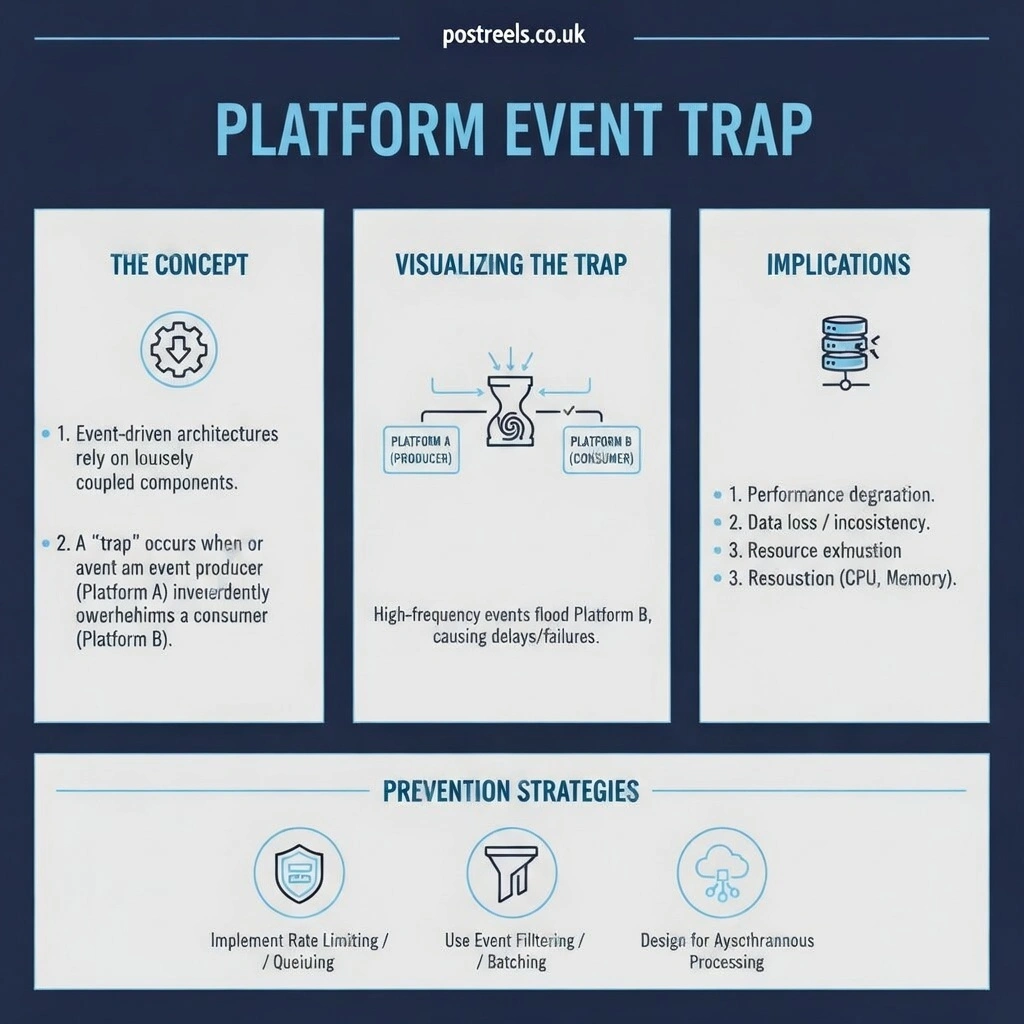
Instead of letting the event get lost, you can implement a retry policy, perhaps with an exponential backoff, or move the failed event to a “dead-letter queue” for manual inspection later. This ensures that even if a downstream service is temporarily unavailable, your system can recover without losing data.
What Are High-Volume Platform Events and When Should You Use Them?
Standard platform events are great for many use cases, but they have their limits. If your organization expects to process a very large number of events—think tens of thousands or even millions per day—you may need something more powerful. This is where High-Volume Platform Events (HVPE) come in. These are designed specifically for large-scale systems and offer much higher throughput and different publishing and delivery guarantees. They are built on a more scalable infrastructure, making them ideal for high-traffic applications.
Consider an IoT company based in San Jose that monitors thousands of smart home devices. Each device sends regular status updates. Using standard platform events might quickly hit the daily allocation limits, causing data loss. By switching to High-Volume Platform Events, the company can handle the massive stream of incoming data without issues.
Other good use cases for HVPE include integrating with high-transaction systems like an enterprise resource planning (ERP) system, managing real-time analytics pipelines, or supporting communications for a large, distributed network of services. Choosing the right type of event from the start is crucial for avoiding a platform event trap caused by an overloaded system.
How Do You Implement Idempotent Logic for Subscribers?
In an event-driven system, it’s possible for the same event to be delivered more than once. This can happen due to network issues or automated retry mechanisms. If your subscriber isn’t prepared for this, it can cause serious problems, like creating duplicate records or sending multiple notifications. The solution is to make your subscriber logic idempotent. Idempotency means that processing the same event multiple times has the same result as processing it just once. This makes your system resilient to duplicate events.
There are several techniques to achieve this. One of the most common is to use a unique identifier for each event. When a subscriber receives an event, it first checks a log or database to see if an event with that ID has already been processed. If it has, the subscriber simply ignores the duplicate event. If not, it processes the event and then records the ID.
Another approach is to design your database operations to handle duplicates gracefully. For example, instead of using an “INSERT” command that would fail if a record already exists, you can use an “UPSERT” (update or insert) command. This way, if the record for an event already exists, it can be updated instead of creating a duplicate.
Practical Steps for Idempotent Design
- Unique Event IDs: Assign a unique ID to every event you publish.
- Processing Log: Have subscribers maintain a log of processed event IDs.
- Check Before Acting: Before executing any business logic, check the log to see if the event has been processed.
- Smart Database Operations: Use database commands like UPSERT to avoid creating duplicate records.
Why is it Important to Monitor Limits and Event Usage?
You can’t protect against what you can’t see. Proactively monitoring your platform event usage is essential for preventing a platform event trap. Most platforms have dashboards and APIs that allow you to track key metrics related to your events. Keeping a close eye on these metrics will give you early warnings of potential problems before they impact your production systems and users. This is like checking the oil and tire pressure in your car before a long road trip. It’s a simple preventative measure that can save you from a major breakdown.
You should set up monitoring for several key areas. Track your daily and hourly event publishing rates to ensure you are not approaching your platform’s limits. Configure alerts to notify you when you reach a certain threshold, such as 80% of your daily limit. You should also monitor the time it takes for an event to be processed after it’s published. If you see this delay, or latency, starting to increase, it could be a sign that your subscribers are overwhelmed or that there’s a bottleneck in your system. Finally, keep an eye on error rates. A sudden spike in processing failures is a clear indicator that something is wrong.
| Monitoring Area | Key Metrics to Track | Recommended Alert Threshold |
|---|---|---|
| Event Volume | Daily and hourly publishing rates | 80% of daily/hourly limits |
| Processing Latency | Time between publish and process | Greater than 5 seconds (varies by use case) |
| Error Rates | Percentage of failed event processing | More than a 1% failure rate |
| Subscriber Performance | Average processing time per event | 50% increase over the established baseline |
How Can You Secure and Authenticate External Subscribers?
Security is not an afterthought; it’s a critical component of a robust event-driven architecture. A platform event trap can easily be sprung by a security vulnerability. If you have external systems subscribing to your platform events, you must ensure that only authorized systems can access them. Without proper security, you risk exposing sensitive data to unauthorized parties or allowing malicious actors to trigger unwanted actions in your systems. This could lead to data breaches, compliance violations, and significant damage to your organization’s reputation.
For any external subscribers, you should implement strong authentication mechanisms like OAuth 2.0. This ensures that every system connecting to your event bus has proven its identity with a valid token. All communication should be encrypted using protocols like SSL/TLS to prevent eavesdropping. You can also enforce IP restrictions to ensure that subscribers can only connect from trusted network locations.
It’s also wise to follow the principle of least privilege. This means each subscriber should only have access to the specific event channels it needs to perform its function, and nothing more. Regular security assessments and access audits will help you ensure that your security measures remain effective over time.
Why Should You Test in Production-Like Environments?
One of the most common reasons for falling into a platform event trap is inadequate testing. A system that works perfectly in a clean, simple developer environment can fail under the pressures of a real production workload. Developer sandboxes often have lower limits, simpler configurations, and much less data than a production environment. Relying solely on testing in these environments gives you a false sense of security. It’s like training for a marathon by only jogging around your block. You’re not preparing for the real challenges ahead.
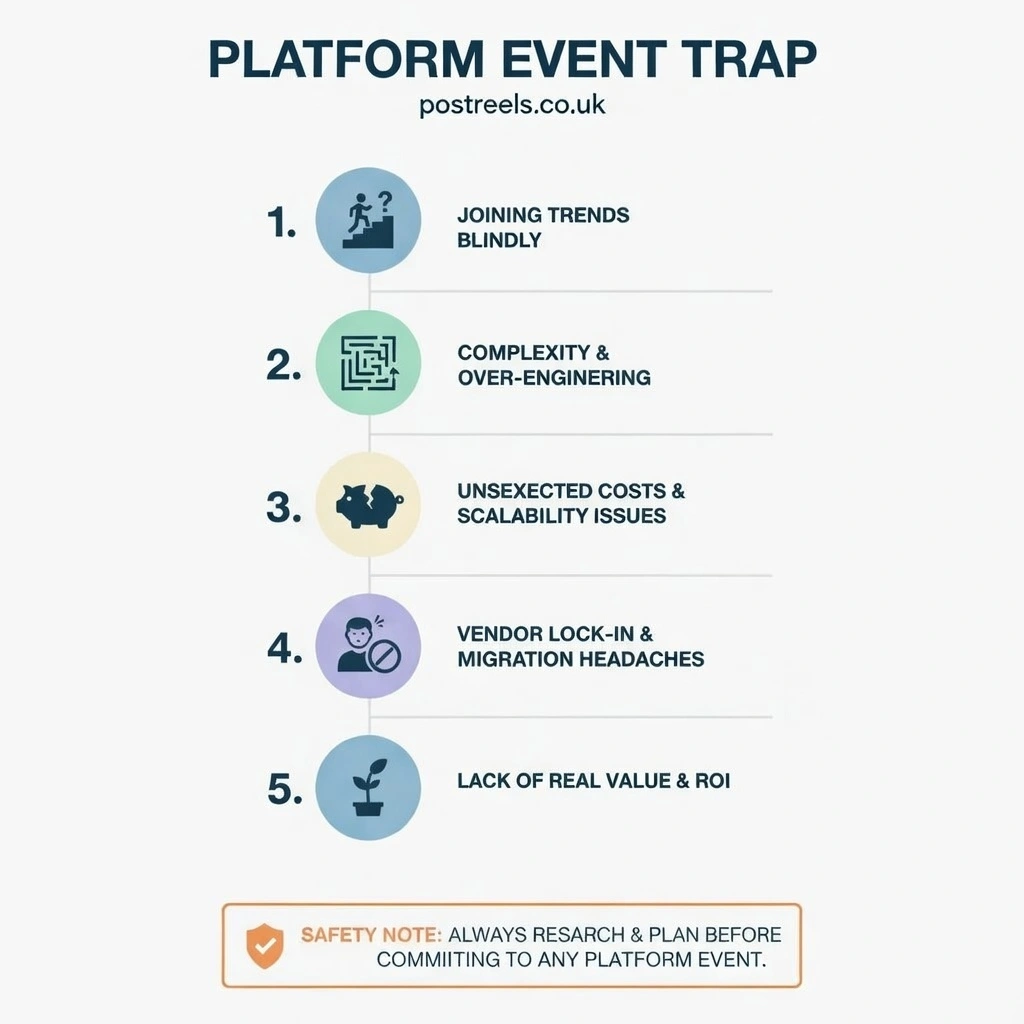
To avoid this, you must test in an environment that mimics your production setup as closely as possible. This means using a full sandbox environment with similar data volumes, user concurrency, and integration points. You should simulate production-level traffic to see how your system performs under stress. Test for edge cases and failure scenarios. What happens if a downstream service goes offline? How does your system handle a sudden spike in event volume? By identifying these issues in a controlled pre-production environment, you can fix them before they affect your actual users. This comprehensive testing is your best defense against unexpected production failures.
What Are the Best Use Cases for Platform Events?
Understanding when to use platform events is just as important as knowing how to use them. They are an incredibly powerful tool for building decoupled, scalable systems, but they are not the right solution for every problem. Trying to force them into a scenario they are not designed for is a surefire way to create a platform event trap. The best use cases for platform events are those that can benefit from asynchronous, event-driven communication.
System integrations are a perfect fit. For example, when an opportunity is marked as “Closed-Won” in Salesforce, you can publish a platform event to notify your accounting system to generate an invoice. This decouples the two systems; Salesforce doesn’t need to wait for the accounting system to respond. Real-time notifications to external systems are another great use case. You can use platform events to trigger workflows in other applications, activate data pipelines, or send alerts to system administrators about critical events. They are also excellent for cross-cloud communication within a multi-cloud architecture and for managing communications with a large number of IoT devices.
Conclusion
The platform event trap is a common but avoidable problem in modern software development. By understanding the asynchronous nature of event-driven architectures and following best practices, you can build resilient and reliable systems that scale with your business. Remember to design for asynchronous processing, implement idempotent logic, and always be mindful of platform limits. Proactive monitoring and robust security measures are your first line of defense against unexpected issues.
Most importantly, test your systems under realistic conditions. Don’t let your production environment be the first place you discover a critical flaw. By applying the strategies outlined in this guide, you can confidently leverage the power of platform events to build sophisticated, scalable applications without falling into the common traps that derail so many projects.
Frequently Asked Questions (FAQs)
What is the difference between a platform event and a generic event?
A platform event is a specific type of message used in event-driven architectures, like those in Salesforce, to communicate between decoupled systems. A generic event is a broader term for any action or occurrence detected by a program that may or may not be part of a larger event-driven framework.
Can platform events be used for immediate UI feedback?
No, it is not recommended. Platform events are asynchronous, meaning there can be a delay between when an event is published and when it is processed. For immediate UI feedback, you should use synchronous tools like Lightning Web Components or direct Apex calls.
How can you guarantee the order of platform events?
You can’t. Most platforms, including Salesforce, do not guarantee the delivery order of events. If strict ordering is a requirement, you will need to build custom logic into your subscribers, such as using sequence numbers or timestamps within the event payload to reorder them upon receipt.
What happens if I exceed my platform event limits?
If you exceed the allocation limits for your platform, the system will likely start throttling or discarding new events. This means your subscribers will not receive them, and the corresponding business processes will fail to execute. This is why proactive monitoring is so crucial.
Are High-Volume Platform Events available in all Salesforce editions?
High-Volume Platform Events are typically available as an add-on license for Enterprise, Performance, and Unlimited editions. They are not available in the free Developer Edition, which is another reason why testing in a production-like sandbox is so important.