

Introduction: What Should You Know About vRealize Infrastructure Navigator Today?
vRealize Infrastructure Navigator is a VMware-based application discovery and dependency mapping tool that provides deep visibility into applications running across virtualized environments. It integrates seamlessly with vCenter Server and vSphere to automatically identify services, analyze communication patterns, and visualize infrastructure topology without requiring additional agents.
For enterprise IT teams, this solution helps simplify complex infrastructure management by revealing how workloads interact inside data centers. By using application dependency mapping, agentless architecture, infrastructure topology, virtualized environments, and real-time visibility, organizations can improve change impact analysis, cloud migration planning, and root-cause troubleshooting.
Although the tool has reached end-of-support status, it remains a significant part of VMware’s historical observability ecosystem. Understanding its role, capabilities, and limitations helps IT professionals evaluate modern alternatives within the VMware Aria Suite and adopt smarter dependency mapping strategies for hybrid and enterprise workloads.
What is vRealize Infrastructure Navigator, and why was it created?
vRealize Infrastructure Navigator is an agentless application discovery tool built by VMware to automatically identify applications inside virtual machines and map their dependencies.
It was designed for enterprise IT environments where hundreds or thousands of virtual machines run interconnected services. Instead of manually tracking application communication flows, VIN provides automated dependency mapping using guest OS introspection and VMware Tools integration.
The tool connects with:
- vCenter Server
- vSphere Web Client
- VMware Tools
- Virtual machine infrastructure layers
Its main goal was simple: show what applications run where and how they communicate across VMs.
In real enterprise deployments across U.S. financial firms and healthcare data centers, IT admins used vRealize Infrastructure Navigator to visualize service-to-service relationships before performing infrastructure changes or migrations. This reduced downtime risks and improved operational confidence.
How does vRealize Infrastructure Navigator work inside VMware environments?
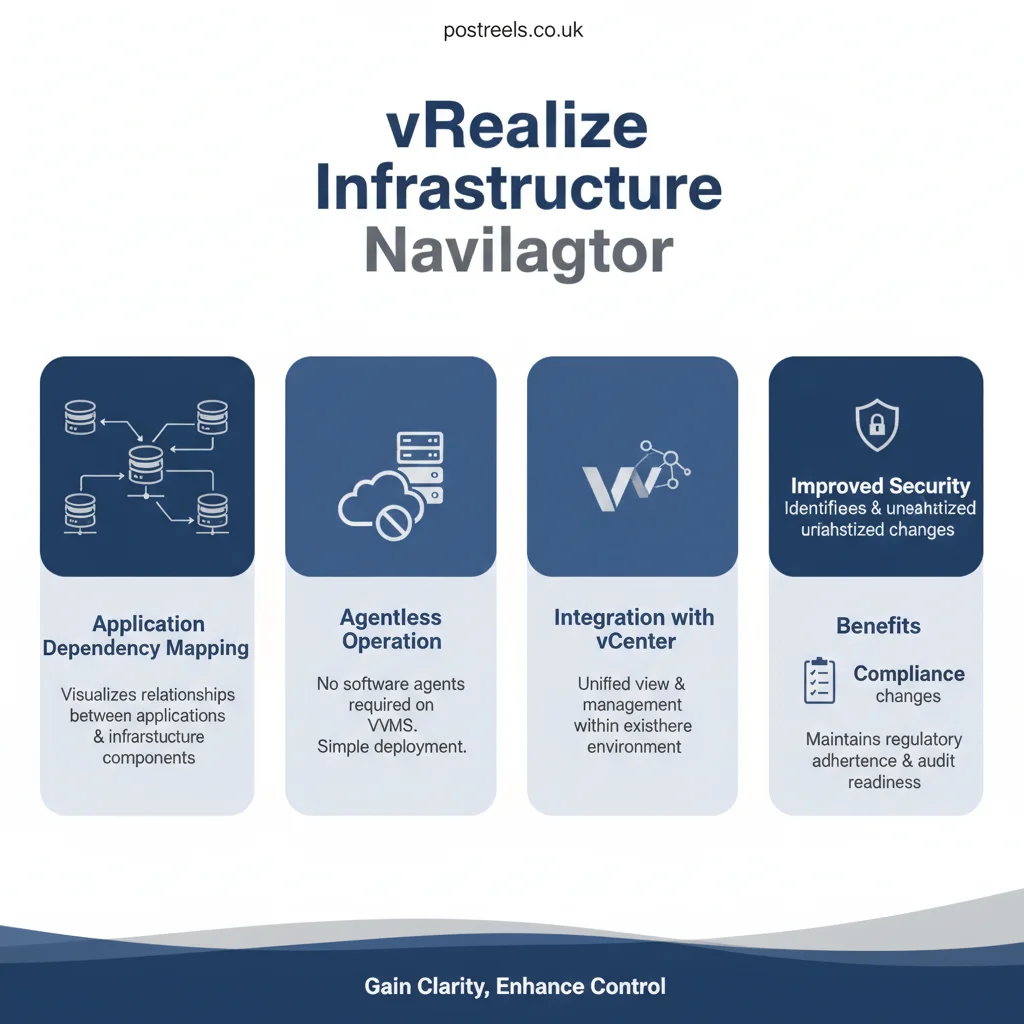
The core strength of vrealize infrastructure navigator lies in its agentless architecture and deep integration with VMware virtualization layers.
Instead of installing agents on every server, it uses built-in mechanisms like guest OS introspection, VMware Tools data collection, and network traffic analysis to detect application services and communication patterns.
Step-by-step discovery workflow
- Connects to vCenter Server
- Scans virtual machines automatically
- Collects application metadata via VMware Tools
- Analyzes network ports and protocols
- Maps inter-VM communication flows
- Builds a real-time topology visualization
This approach enables infrastructure visibility without increasing system overhead.
For example, a U.S.-based SaaS company migrating workloads to hybrid cloud used VIN to identify hidden dependencies between legacy Windows servers and backend databases before migration. This prevented service outages during infrastructure modernization.
What are the key features of vrealize infrastructure navigator that enterprises relied on?
Enterprises adopted vrealize infrastructure navigator because it combined application-aware virtualization with infrastructure monitoring.
Core features that made it valuable:
- Automatic application discovery inside VMs
- Real-time dependency mapping VMware environments
- Infrastructure topology visualization
- Agentless application discovery
- VM communication mapping
- Service-to-service relationship analysis
- Integration with VMware monitoring tools
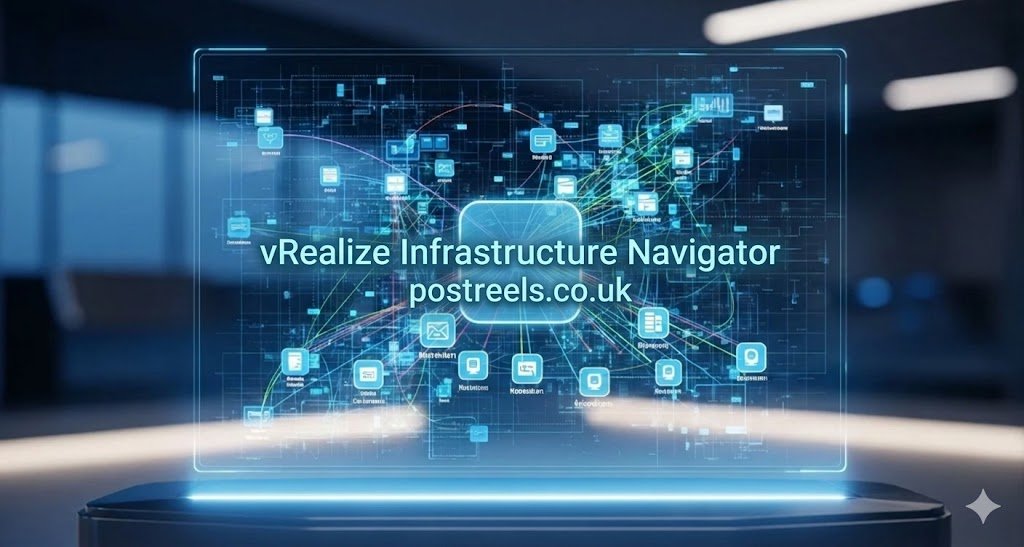
Visualization and topology mapping
The visualization layer inside vSphere Web Client shows:
- Application components
- Communication ports
- Protocol flows
- Infrastructure topology
This level of visibility helped IT teams troubleshoot outages faster and understand complex enterprise data center workloads.
Why is application dependency mapping important in modern IT infrastructure?
Application dependency mapping is essential for organizations running complex microservices, legacy apps, and hybrid cloud workloads.
Without proper dependency mapping, VMware tools, and even small infrastructure changes can break critical business applications.
Real-world U.S. example
A retail company in California experienced frequent outages during patch updates. After implementing dependency mapping with VMware tools like VIN, they discovered undocumented API connections between inventory systems and payment gateways.
This insight allowed them to:
- Improve change impact analysis
- Enhance disaster recovery architecture
- Reduce downtime risks
- Optimize root-cause analysis
Dependency mapping also supports:
- Security audits and compliance
- Cloud migration planning
- Infrastructure modernization
Is vRealize Infrastructure Navigator deprecated or still supported?
Yes, vRealize Infrastructure Navigator is officially deprecated and reached the end of general support years ago.
This is a critical factor that many outdated articles fail to highlight. Modern VMware environments now focus on newer observability tools aligned with the VMware Aria Suite.
Lifecycle status overview
| Factor | Status |
|---|---|
| Product availability | Discontinued |
| End of support | Completed |
| Replacement focus | VMware Aria ecosystem |
| Future updates | Not available |
For U.S. enterprises operating regulated workloads, relying on deprecated infrastructure visibility tools may introduce compliance and security risks. That is why many organizations are transitioning to modern VMware dependency mapping solutions.
What are the limitations of vRealize Infrastructure Navigator in 2025 environments?
While VIN was powerful for its time, it has several limitations when compared to modern cloud-native observability platforms.
Key limitations:
- Works only in VMware virtualized environments
- Limited multi-cloud support
- Requires VMware Tools installation
- No native support for Kubernetes or containers
- Outdated analytics compared to modern AIOps tools
Cloud-native architecture gap
Today’s enterprise stacks include:
- Kubernetes clusters
- Multi-cloud workloads
- Serverless applications
VIN was not designed for these architectures. This makes it less suitable for modern DevOps-driven infrastructure compared to newer infrastructure visibility tools.
How does vRealize Infrastructure Navigator compare to modern alternatives?
Many organizations now compare VIN VMware with newer observability and dependency mapping tools.
Comparison table (VIN vs modern tools)
| Feature | vrealize infrastructure navigator | vRealize Network Insight | Dynatrace | Datadog |
|---|---|---|---|---|
| Agentless discovery | Yes | Partial | Yes | Yes |
| Dependency mapping | Strong | Advanced | Advanced | Advanced |
| Cloud-native support | No | Yes | Yes | Yes |
| Real-time analytics | Basic | Advanced | AI-powered | AI-powered |
| VMware integration | Native | Native | Limited | Limited |
This comparison shows why enterprises now prefer modern VMware monitoring tools and observability platforms.
What replaced vRealize Infrastructure Navigator in the VMware ecosystem?
The VMware ecosystem has evolved significantly with the introduction of the Aria platform and advanced monitoring solutions.
Primary replacements include:
- VMware Aria Operations
- vRealize Network Insight
- VMware Aria Suite observability tools
These tools offer:
- Advanced infrastructure topology mapping
- Real-time analytics
- AI-driven root-cause analysis
- Multi-cloud observability
For example, a U.S. fintech firm replaced VIN with VMware Aria Operations to gain better visibility into hybrid cloud infrastructure and improve operational intelligence.
What are the main use cases of vRealize Infrastructure Navigator in enterprise IT?
Even though it is deprecated, understanding its historical use cases helps IT professionals evaluate dependency mapping strategies.
Most common enterprise use cases:
- Cloud migration planning
- Disaster recovery architecture
- Security and compliance audits
- Troubleshooting application outages
- Change impact analysis
H3: Case study insight
A healthcare provider in Texas used dependency mapping and VMware tools to analyze EMR system dependencies before migrating to a private cloud. This reduced migration risk and ensured compliance with healthcare regulations.
How does vRealize Infrastructure Navigator integrate with vCenter Server and vSphere?
Integration with VMware’s core infrastructure is one of the biggest strengths of VIN.
It connects directly with:
- vCenter Server for inventory data
- vSphere for VM monitoring
- VMware Tools for guest OS introspection
This integration allows automatic detection of:
- Running applications
- Open ports and protocols
- Inter-VM communication flows
The result is a unified infrastructure visibility layer inside the vSphere Web Client, which simplifies enterprise infrastructure management.
What are the best practices for using dependency mapping in VMware environments today?
Even without VIN, the principles of dependency mapping remain critical for IT operations.
Recommended best practices:
- Use agentless monitoring where possible
- Document application dependencies regularly
- Combine topology mapping with AIOps tools
- Integrate observability with cloud migration workflows
- Conduct periodic infrastructure audits
Organizations in the United States increasingly adopt modern observability stacks that combine application-aware virtualization with AI analytics for proactive monitoring.
How does vRealize Infrastructure Navigator support cloud migration and modernization?
One overlooked advantage of VIN was its role in migration planning.
Before migrating workloads to AWS, Azure, or a hybrid cloud, enterprises needed a clear view of application dependencies.
VIN helped teams:
- Identify hidden service connections
- Avoid breaking critical workloads
- Optimize migration sequencing
- Reduce operational risks
Today, similar functionality exists in advanced VMware Aria and third-party observability platforms, but the core concept remains the same.
What semantic technologies powered vRealize Infrastructure Navigator’s discovery engine?
The discovery engine relied on multiple technical mechanisms to ensure accurate application mapping.
Core technologies used:
- Guest OS introspection
- Network traffic analysis
- Port and protocol scanning
- VMware Tools data collection
- Infrastructure topology modeling
This combination enabled real-time visibility into enterprise data center workloads and application-aware virtualization environments.
Key takeaways about vRealize Infrastructure Navigator for IT professionals
- vRealize Infrastructure Navigator was a powerful VMware application discovery tool
- It specialized in dependency mapping and infrastructure topology visualization
- The product is now deprecated and replaced by modern VMware Aria tools
- It worked best in VMware-only virtualized environments
- It lacked support for cloud-native and multi-cloud workloads
- Modern enterprises should evaluate alternatives for observability and dependency mapping
Conclusion: Should you still use vRealize Infrastructure Navigator today?
vRealize Infrastructure Navigator played a foundational role in application dependency mapping within VMware virtualized environments. It provided agentless architecture, real-time visibility, and deep integration with vCenter Server and vSphere, making it a trusted infrastructure visibility tool for enterprise IT teams.
However, due to its deprecated lifecycle status and lack of cloud-native capabilities, it is no longer suitable for modern infrastructure strategies. Organizations in the United States operating hybrid cloud, multi-cloud, or containerized environments should transition to advanced observability platforms such as VMware Aria Operations and vRealize Network Insight.
That said, understanding how vRealize Infrastructure Navigator works still offers valuable insights into dependency mapping, root-cause analysis, and infrastructure topology management. These principles remain essential for cloud migration planning, disaster recovery architecture, and enterprise workload optimization in today’s rapidly evolving IT landscape.
FAQs About vRealize Infrastructure Navigator
What is vRealize Infrastructure Navigator used for?
It is used for automatic application discovery and dependency mapping inside VMware virtualized environments to understand how workloads communicate across virtual machines.
Is vRealize Infrastructure Navigator still supported?
No, it has reached end-of-support and is considered a deprecated tool within the modern VMware ecosystem.
How does vRealize Infrastructure Navigator perform application discovery?
It uses an agentless approach with VMware Tools, guest OS introspection, and network traffic analysis to detect applications and their communication flows.
What replaced vRealize Infrastructure Navigator in newer VMware solutions?
Modern tools like VMware Aria Operations and vRealize Network Insight now provide advanced observability, topology mapping, and AI-driven analytics.
Can vRealize Infrastructure Navigator work in multi-cloud or cloud-native environments?
No, it was primarily designed for VMware-based virtualized environments and has limited support for multi-cloud and cloud-native architectures.